Admin · internal dashboard
TaxiDex Analytics
The real-time control room for the TaxiDex marketing site. Sign in with an authorised admin account to watch page views, CTA clicks, form submits, searches, and demo requests stream in live — with charts, top-page rankings, device splits, and a filterable event log. Admin access only; this dashboard is not indexed.
At a glance
The numbers the dashboard opens on
Five headline KPIs sit at the top of the console, each covering the trailing seven days: page views, unique visitors, CTA clicks, form submits, and demo requests. Sample figures shown below; the live dashboard fills them from your real event stream.
12,480
Page views (7d)
4,932
Unique visitors
318
CTA clicks
86
Form submits
Demo requests are tracked separately as booking-widget opens, alongside the four counters above.
Access
Sign in to the console
Access is restricted to authorised administrators. The form validates in your browser; the live build verifies your account against the analytics allow-list before unlocking any data.
TaxiDex Analytics
Admin access only. Sign in with your authorised account.
Authorised emails are managed on the analytics allow-list. New admins are added in the Firebase console under Authentication, then enabled for dashboard access.
Dashboard not connected?
If the analytics backend has not been configured for this environment, the console shows a setup guide instead of data. Connecting it means enabling email/password authentication, provisioning the events datastore, and adding your admin email to the allow-list. Once configured, the dashboard streams live with no further setup.
Inside the dashboard
Six panels, one live view of the site
Everything updates in real time from a single event stream — no nightly batch, no stale snapshots. Here is what each panel of the console shows.
Events over time
A seven-day time series that overlays page views, CTA clicks, and form submits on a single chart so you can see at a glance which days drove traffic and which days converted.
- One line per event type, bucketed by day
- Read the gap between traffic and conversions instantly
- Recomputed live as new events stream in
Top pages
A ranked table of your most-viewed pages over the last seven days, with view counts beside each path — so you know which marketing pages are actually carrying the site.
- Top ten paths by page views
- Counts update in real time
- Spot a hero page that suddenly spikes or stalls
Events by type
A bar breakdown of every tracked event — page views, CTA clicks, form submits, searches, demo opens, outbound clicks — ordered by volume so the dominant behaviours surface first.
- Every event category in one view
- Sorted high-to-low by count
- See where attention actually goes
Devices
A doughnut split of desktop, mobile, and tablet traffic, so you know whether your audience is reading the marketing site on a laptop at a depot or on a phone between jobs.
- Desktop / mobile / tablet share
- Informs which layout to optimise first
- Derived from each visitor's device signal
Search queries
The exact phrases visitors typed into the on-site search over the last seven days, with the page they searched from and how long ago — a direct line into what prospects are looking for.
- Raw query text, page, and recency
- Surface demand the site isn't answering yet
- Feed real questions into your content roadmap
Live event log
A real-time stream of the most recent events, filterable by type and searchable by text, page, or visitor. Watch the site react to a campaign as it happens, event by event.
- Filter by page view, CTA, form, search, demo, outbound
- Free-text search across event, page, and visitor
- Each row shows when, what, where, visitor, and device
In the product
From the marketing site to the operator console
This dashboard watches the public website. The same instinct for live, drillable data runs all the way through the TaxiDex operator console your fleet uses every day.
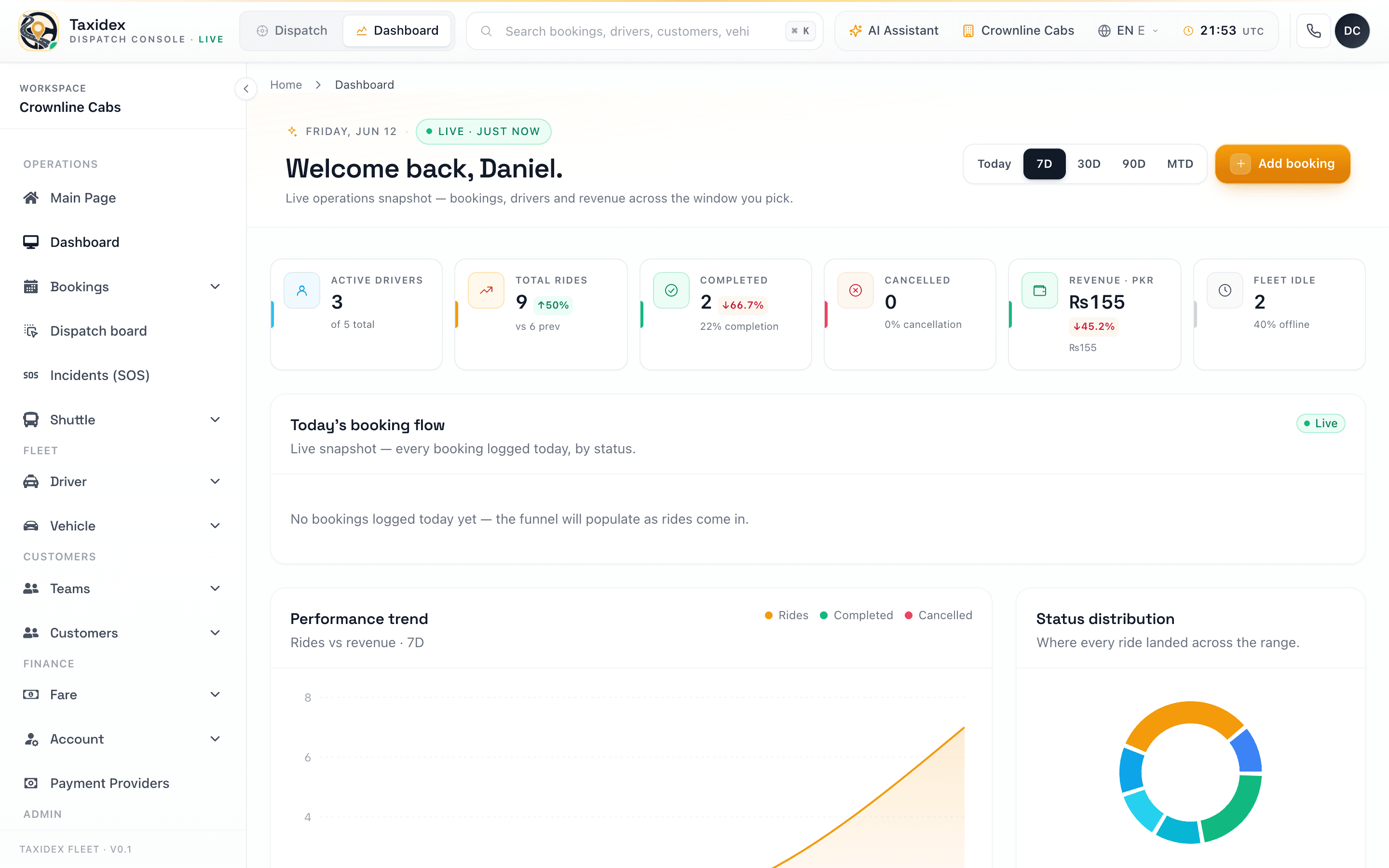
Operations dashboard
A live operator dashboard, not a static report
Inside the operator console, the same real-time philosophy applies to the fleet itself. The operations dashboard surfaces live bookings, active drivers, fleet status, and revenue as they move — so dispatchers and managers act on what is happening now rather than a report from yesterday.
Every figure is drillable: tap a number and you land on the underlying bookings, drivers, or jobs. The marketing analytics you see here are the front door to that same data-first product experience.
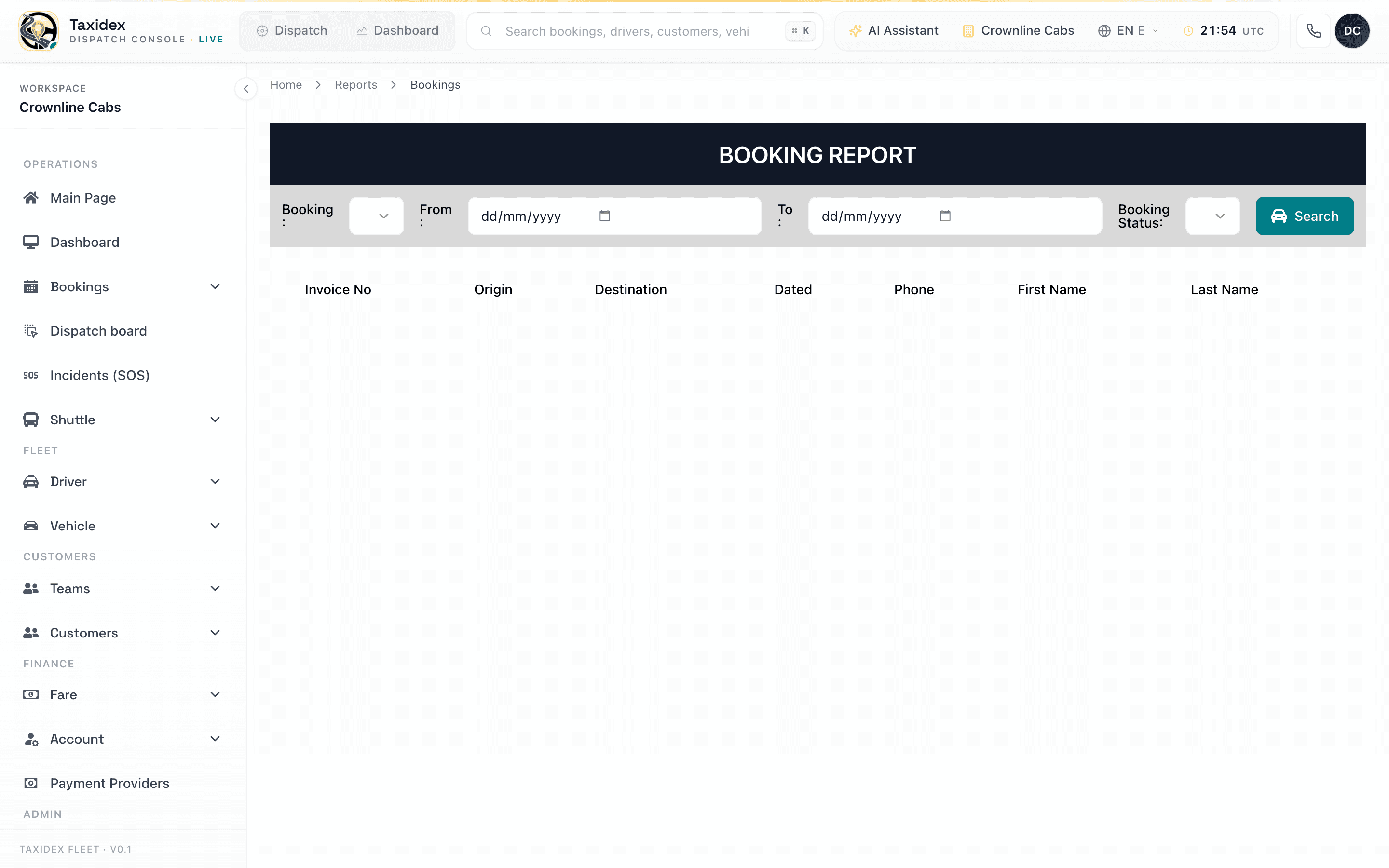
Reports
Scheduled, exportable reports for the rest of the business
Beyond the live view, TaxiDex ships a full reporting suite: booking reports, customer reports, job-earning reports, and call-history reports, each filterable and exportable for accounting or board packs. Reports can be scheduled to land in an inbox on a recurring cadence.
On top of the raw numbers, the platform layers AI demand forecasting and AI fraud detection, so the analytics do not just describe the past — they help you plan supply and catch anomalies before they cost you.
What it tracks
Every meaningful interaction, captured
The dashboard is fed by a lightweight event tracker on the marketing site. Each event carries the context the console needs to make it useful.
Real time
The live event log
The heart of the console: a streaming feed of the latest events, filterable by type and searchable by text. Try the filters below on a representative sample.
Live event log
Streaming| When | Event | Page | Detail | Visitor | Device |
|---|---|---|---|---|---|
| 3s ago | page_view | /pricing | — | v_8f21ac4b | Desktop · Chrome |
| 11s ago | cta_click | / | Book a demo → /book-demo | v_4d90e1f2 | Mobile · Safari |
| 26s ago | search | /dispatch-software | "auto dispatch rules" | v_71b0c3aa | Desktop · Firefox |
| 48s ago | calendly_open | /book-demo | Hero – Book a walkthrough | v_22ef5d10 | Desktop · Chrome |
| 1m ago | form_submit | /contact-us | 5 fields | v_9a3c7e88 | Mobile · Chrome |
| 2m ago | page_view | /region-uk | — | v_55da21bc | Tablet · Safari |
| 3m ago | outbound_click | /blog | apps.apple.com Download iOS app | v_0c8841fd | Mobile · Safari |
| 4m ago | cta_click | /solution-airport | See pricing → /pricing | v_3e77ab09 | Desktop · Edge |
| 6m ago | page_view | /passenger-app | — | v_61f0d4e2 | Mobile · Chrome |
| 8m ago | search | /compare | "icabbi migration" | v_18ba9c30 | Desktop · Chrome |
| 11m ago | form_submit | /book-demo | 7 fields | v_47cc1ad5 | Desktop · Chrome |
| 14m ago | page_view | /driver-app | — | v_92e3f071 | Mobile · Safari |
Sample of the most recent events. The live console streams every page view, CTA click, form submit, search, and demo request in real time.